Checklist for Great Product Photos for Your Shopify Store

Author Image
Akanksha Srivastava
September 8, 2025
2
min read
Pattern

Consistency is what will help you sell on Shopify and it applies to both product quality and product photos. Here is a checklist you can follow to create optimized product photos for the Shopify store.

1. Pattern

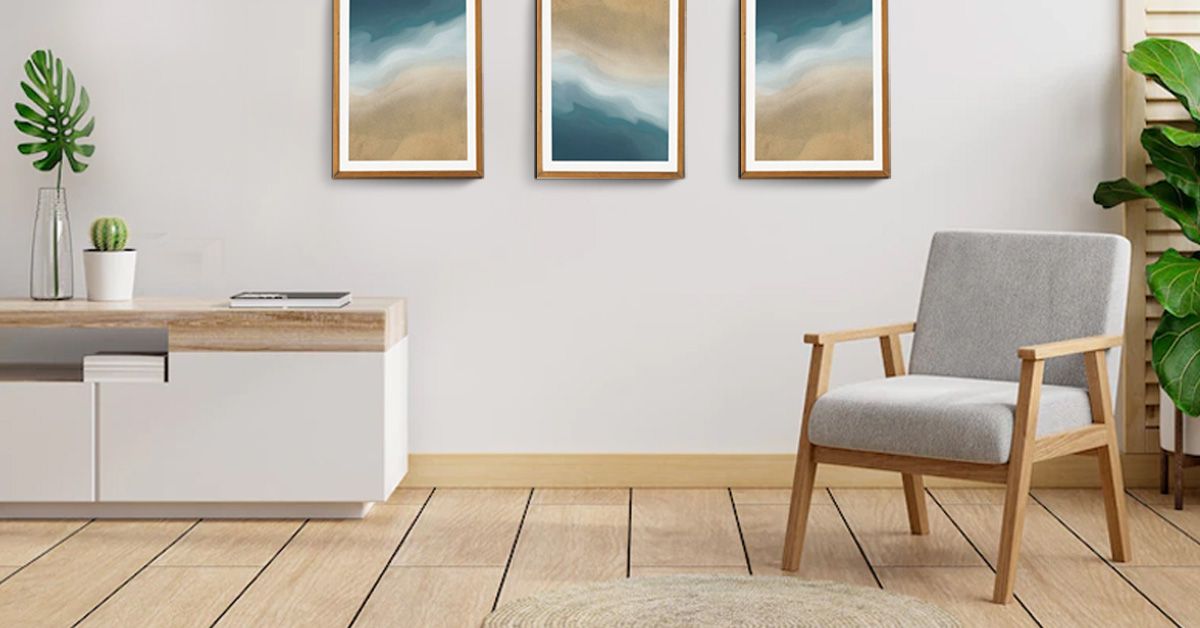
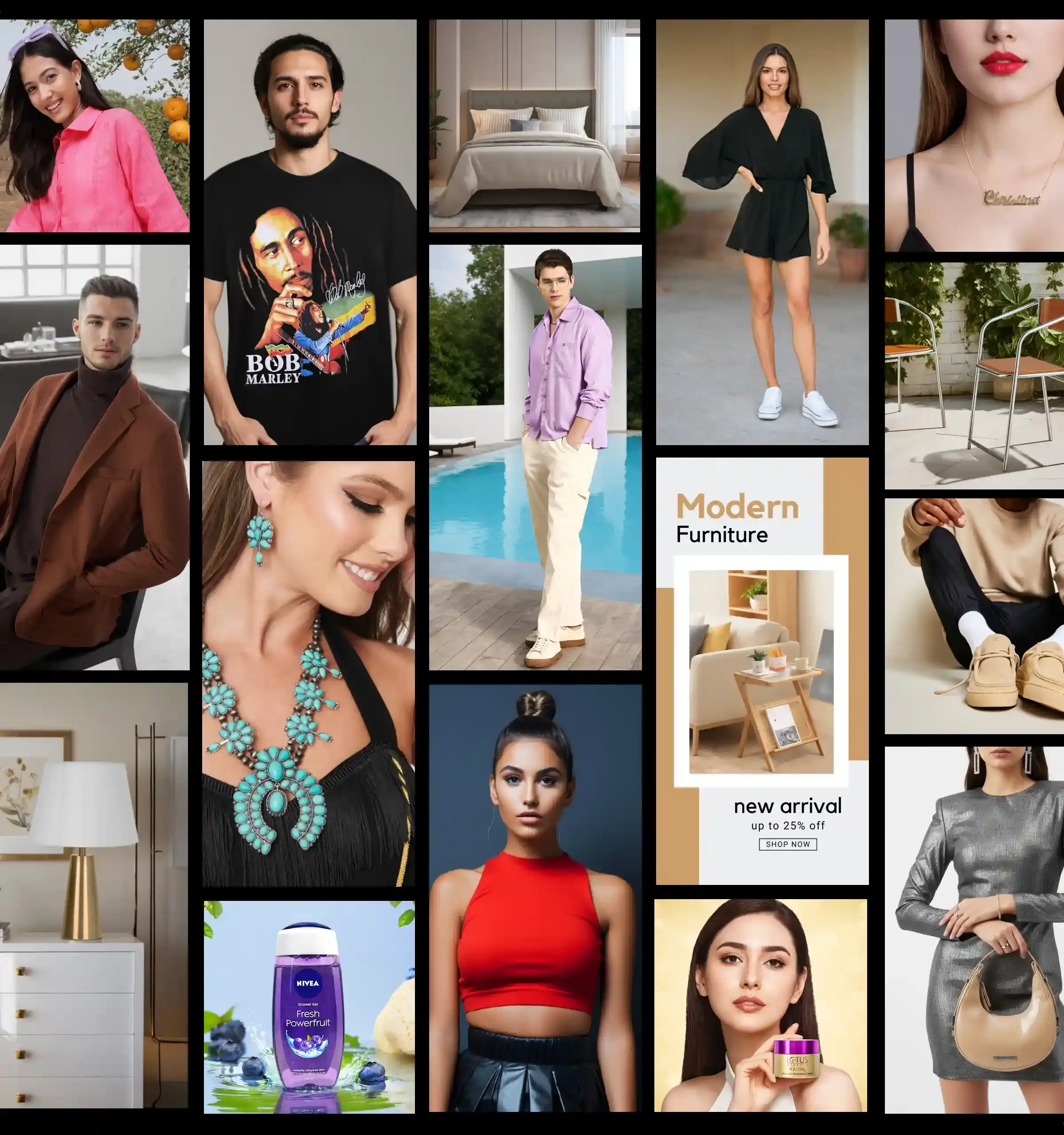
Your product photos should follow a consistent theme on Shopify and preferably align with what your brand represents. Keeping the aesthetics, background, and pattern consistent will not only simplify the view of your product for your customers but will also help them recognize your brand.

2. Image size

Optimization of image size and proportion is vital for a smooth customer experience. Whatever aspect ratio you choose (1:1, 4:3, 3:2, 16:9) has to be the same throughout. If you are a beginner, you can start by using square photos with 1024-pixel x 1024-pixel dimensions.

3. File format

JPEG format should be your go-to image type for all your product photos on Shopify. It will provide you with the best quality in the smallest file size.

4. Editing

Image editing for Shopify can take a lot of your time. If you wish, you can do it manually but we would recommend using an app. You can try our all-in­-one Shopify-compliant product photography app to automate product photo editing.

5. SEO optimization

SEO optimization is vital if you wish to increase your organic reach. You can optimize your product images with alt attributes, keywords, creative descriptions, and more for the best results.

Banner image with CTA Button

Related Blog

Learn more about AI content creation and AI workflows

FAQs

Have questions? Get more advice on creating picture-perfect Shopify photos.

Why is consistency important in Shopify product photos?

Consistency in product photos helps create a professional and cohesive brand image. Using the same background, lighting, and style for all images makes your store visually appealing and easier for customers to browse. It also reinforces brand recognition, making it easier for shoppers to remember your products and trust your store.

What is the recommended image size and aspect ratio for Shopify product images?

Shopify recommends keeping your images consistent in size and aspect ratio. A common starting point is 1024 x 1024 pixels with a 1:1 square aspect ratio. Other options like 4:3, 3:2, or 16:9 are also acceptable, but the key is to maintain the same ratio for all your product images to ensure a uniform display across your store.

Which file format should I use for Shopify product photos?

JPEG is the preferred file format for Shopify product photos. It offers a good balance between image quality and file size, ensuring faster page loading times without compromising visual clarity. PNGs can be used for images requiring transparency, but they are generally larger in file size.

How can I efficiently edit my product photos for Shopify?

Manual editing can be time-consuming, so using a Shopify-compatible photo editing app is highly recommended. These apps can automate tasks like background removal, color correction, resizing, and adding watermarks, saving you time while maintaining professional quality across all your product images.

How do I optimize my product images for SEO on Shopify?

To boost your organic reach, optimize your product images by: 1. Adding descriptive alt text with relevant keywords 2. Using clear, keyword-rich file names 3. Including creative image descriptions 4. Compressing images to reduce load time SEO-optimized images help your products rank better in search results and improve overall store visibility.

Your Data-Backed Mood board, Built in Seconds

Stop guessing. Start creating with visuals proven to perform in your category

ecommerce product photography

Turn insights into instantly usable creatives

Dresma’s AI-powered mood board generator scans top-performing visuals across Amazon, Instagram, and your competitors. It curates a board tailored to your brand, giving you instant creative direction rooted in data—not guesswork

Discover trending content styles driving engagement in your category

Mood boards are personalized to your brand identity and guidelines

Every idea is backed by performance data, so you design content that converts

From Data to Design with Dresma

Transform insights into visuals that actually perform