Batch Photo Editor For Your Brand
Our powerful batch photo editor helps brands edit product photos efficiently. You can batch edit photos, save time, and get professional-quality results
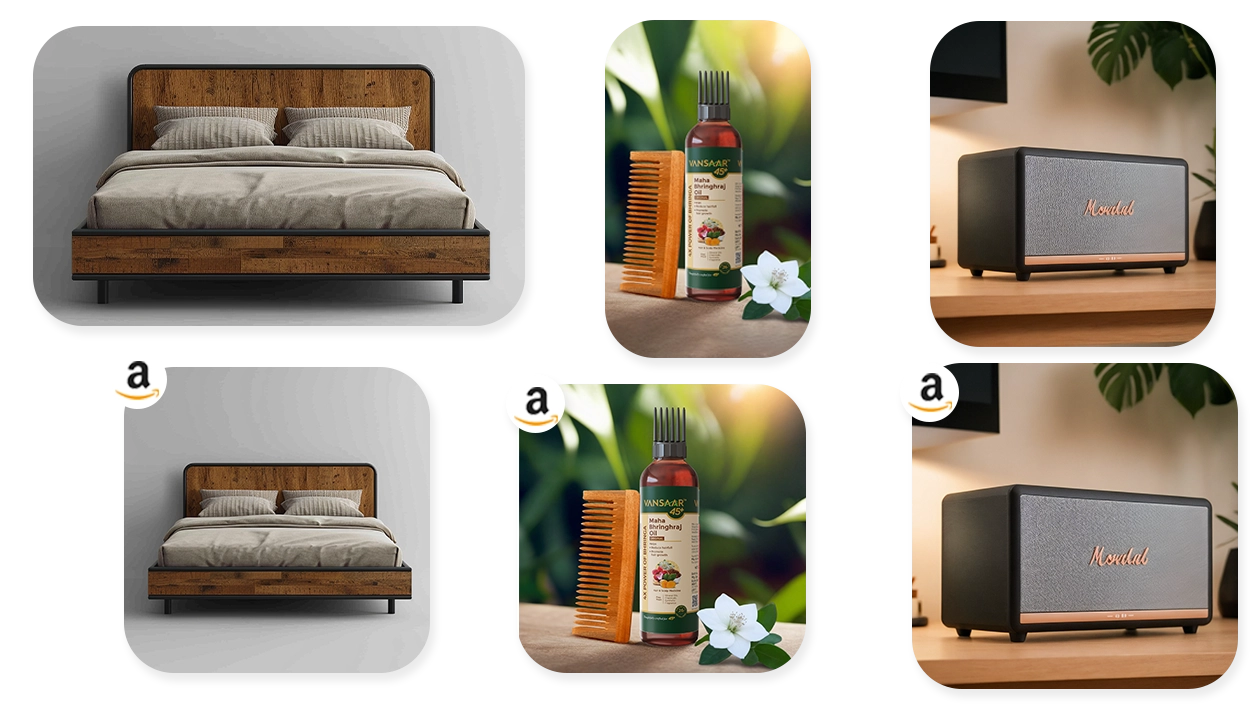

Powering 50K brands with High Quality Visuals









Why Choose Our Batch Photo Editor?
Our tools makes you capable of enhancing product photos in batches and attain professional quality across the entire catalog. Batch AI photo editing is easy with our user-friendly platform. We offer you an all-in-one solution along with our online photo editor. Get access to AI backgrounds, product listing optimization, and other AI tools. Our batch photo editing workflow is efficient for large volumes of product photos
Key Features of Our Batch Photo Editor
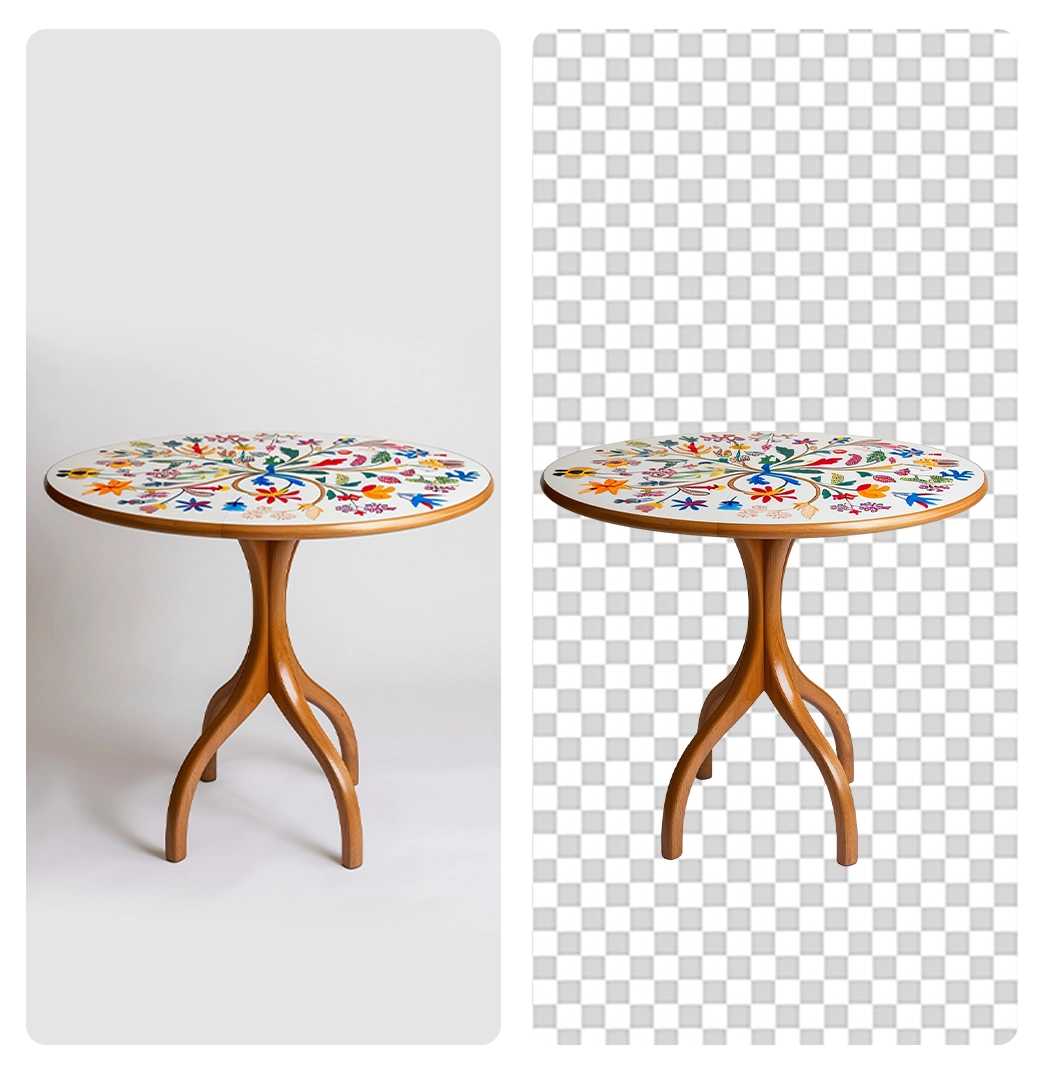
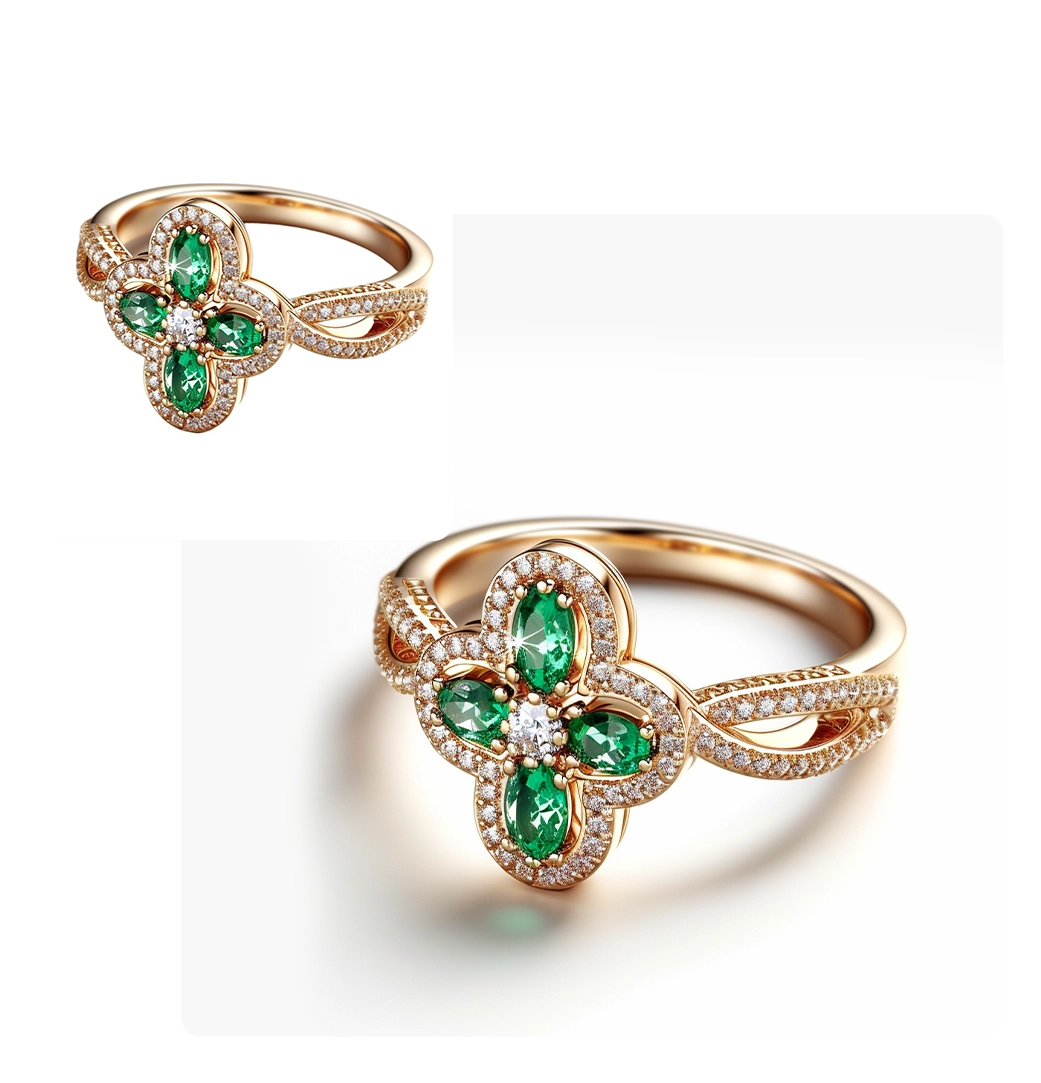
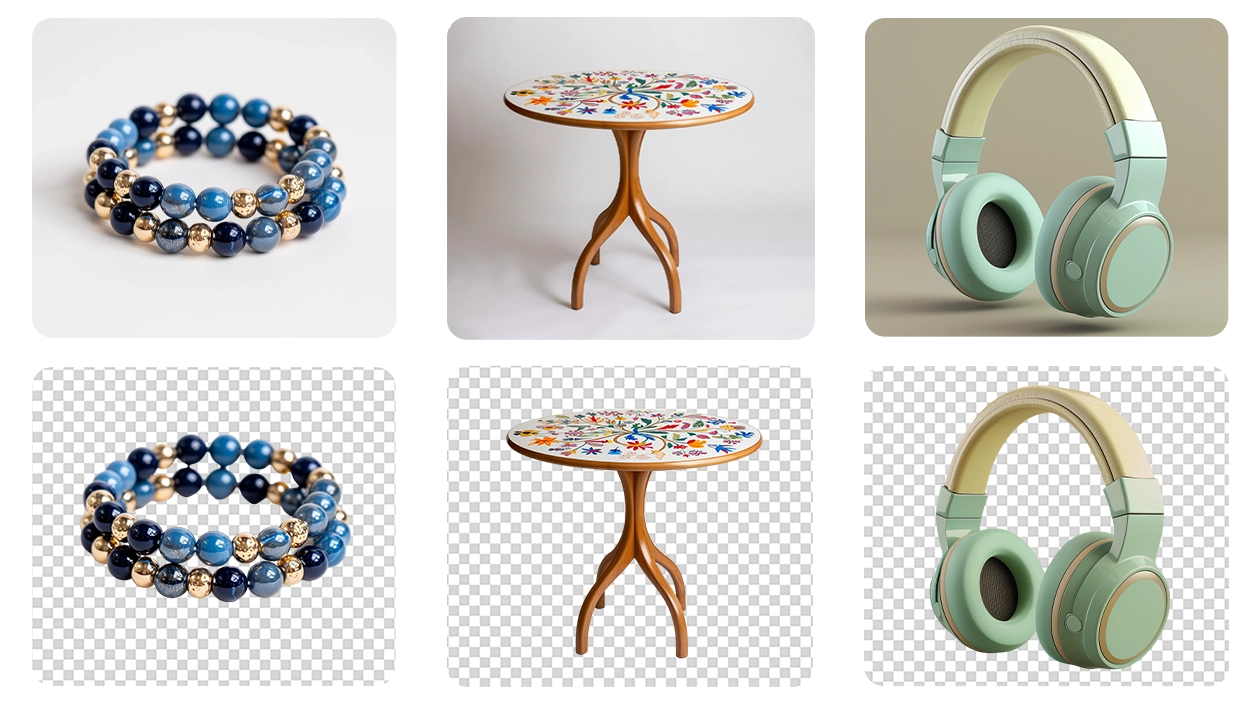
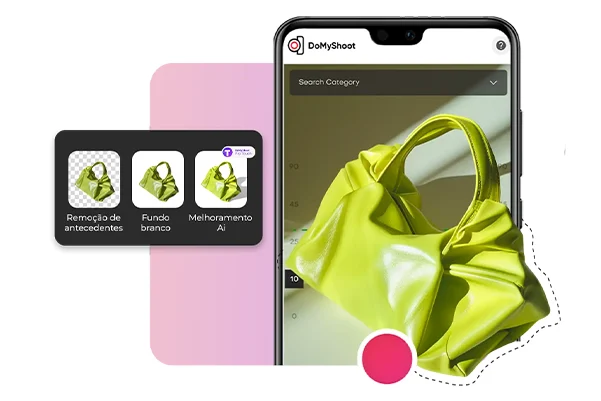
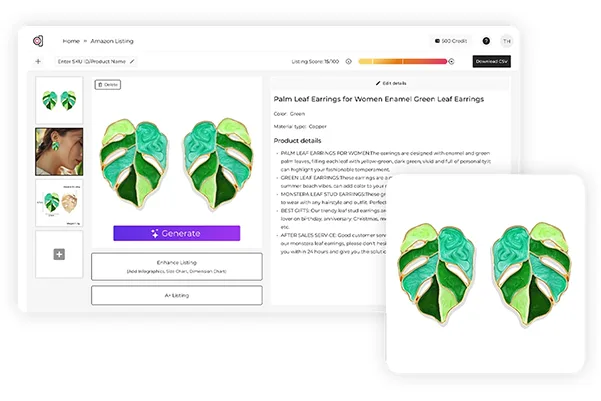
You can perform background removal from multiple photos at once and create clean backdrops that are ideal for your eCommerce listings. AI helps you optimize the dimensions of multiple product photos at once according to the marketplace requirements instantly. Adjust sharpness, contrast, or brightness and get professional-quality results. You can add your brand logos/watermarks in bulk using our batch editor feature. Download all the enhanced product photos (all optimized according to the targeted marketplace) and upload them to Amazon, Shopify, Kaufland, or your company website
Bulk Edit images for eCommerce
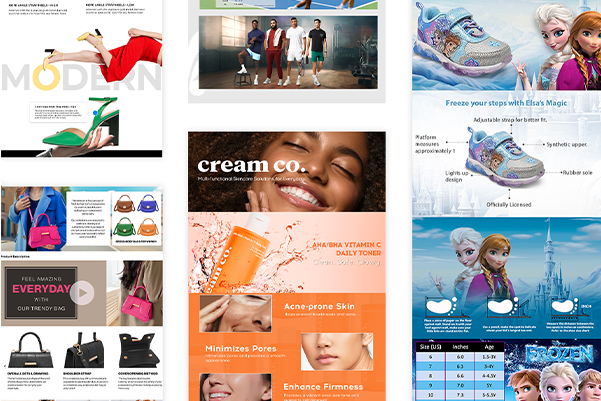
Convert product photos to enhanced content in one shot with our batch editor designed specifically for ecommerce content creation
How to Use Batch Editor?
It is a simple three step process. Select an AI tool and drop your photos or click to select from your files. You can upload a csv too (download the sample csv to view the format)! We accept most popular image formats like JPG, PNG, and more. Secondly, make neccessary changes you want to make to your photos, for instance, adding colored background, background removal, or AI enhancement. Thirdly, download your images instantly

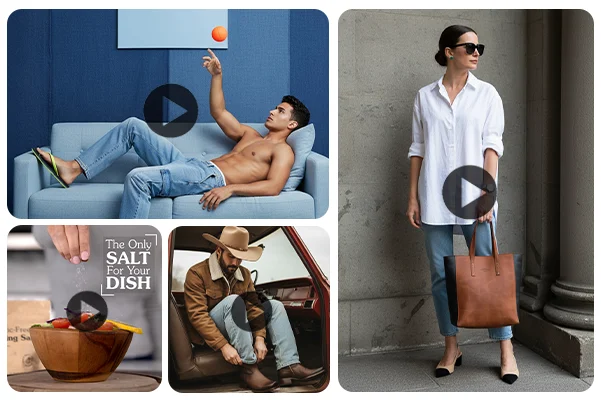
Instant Visual Strategy for Instagram, Amazon, Pinterest & More
Dresma’s data-backed moodboards enable brands to create high performing AI visual content in no time
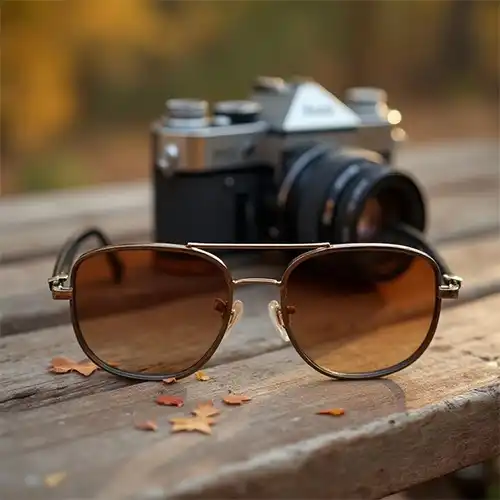
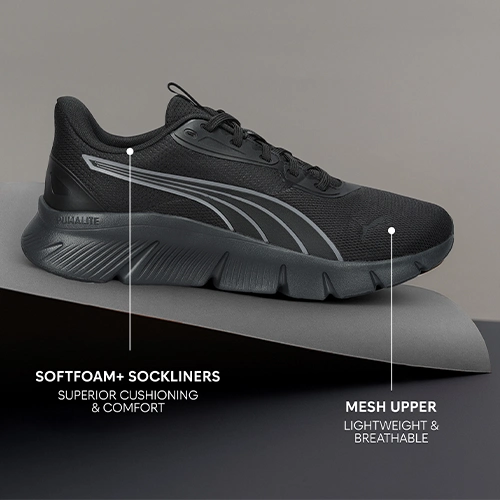
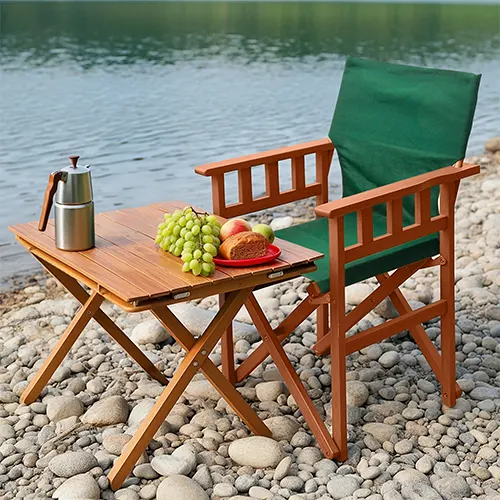
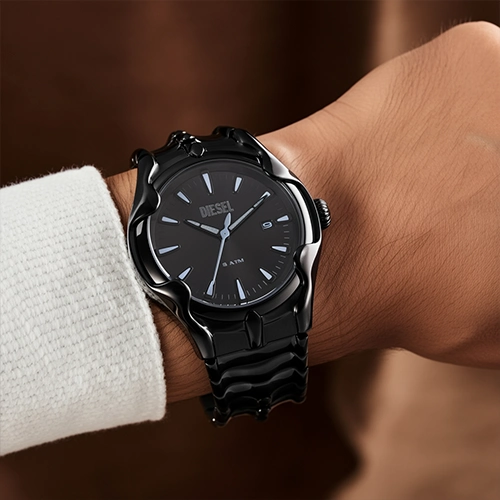

Seamless Integration for Effortless Workflows
Our AI workflows ensure that your visual content turns out to be a
high-powered asset that drives ROI
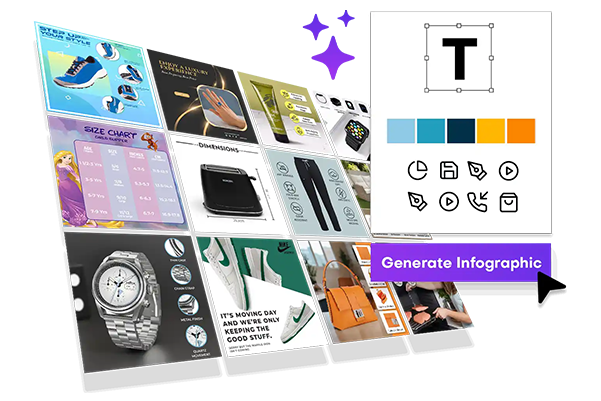
Streamline Your Workflow With Our AI Tools
Transform your eCommerce brand by using AI Tools


FAQs
Everything you need to know
Dresma’s Batch Photo Editor is ideal for beginners with no experience because it automates resizing, background removal, and enhancements with just one click. Other beginner-friendly tools include Canva and Fotor, but Dresma is built specifically for product photos as has a simple workflow that online sellers and brands can use
Upload your images, choose the required dimensions, and apply the resize setting to all files at once. Dresma lets you resize hundreds of product photos instantly while maintaining consistent quality so that your product listings look professional across all channels
Dresma, Adobe Express, and Luminar Neo are popular choices. Dresma stands out with AI-driven background and product cleanup, auto-cropping, and image optimization designed for eCommerce sellers
Dresma works seamlessly on Mac through any browser—no installation required. Other Mac-friendly options include Adobe Lightroom, Photoscape X, and Pixelmator