6 Quick Tips to Prepare Your Shopify Store for Christmas Sale

Author Image
Team Dresma
September 8, 2025
2
min read
Pattern

This holiday season, let’s get those online sales coming in! And for more sales to come in, let us first prepare and polish our online Shopify store.

Following are 6 tips to help you prepare your Shopify store for the Christmas sale -

1. Get a makeover!

Giving your Shopify store a good festive makeover counts as an excellent customer experience. Along with your brand colors, adding a little bit of red and green color with Christmassy images should do the job.

2. Highlight your holiday discounts

Use clear images and well-written copy showcasing your existing products at a discount. Promote your items that are on a discount to your email subscribers and social media audience.

3. Create gift bundles

Bundle up a few of your products together and sell them as one product. Be smart about which products you choose to put together as you shouldn’t be running into losses.

4. Provide a high-end customer experience

As a seller, customer satisfaction should be your top priority. Use live chats to answer any customer query. According to a study, 63% of consumers who use live chat on a website are more likely to return back to the site.

5. Easy checkouts

Wondering how to avoid abandoned carts? Keep your checkouts simple.

Preferably allow the payment option, product reviewing, and shipping details on one page. However, don’t shy away from adding upsells!

6. Optimize your product images

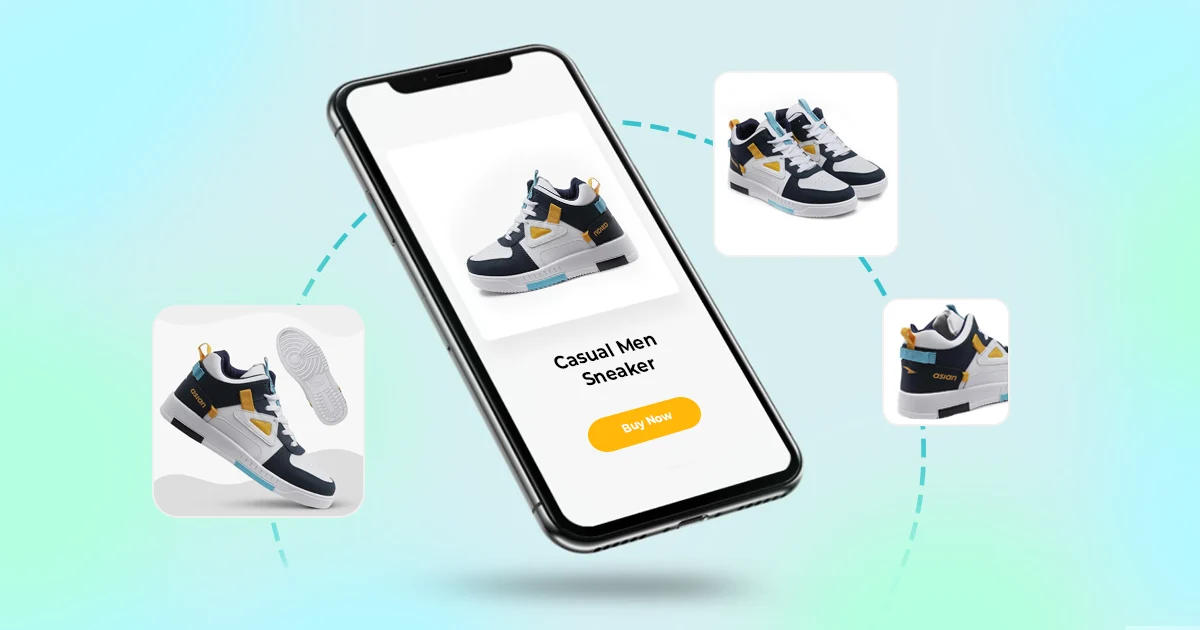
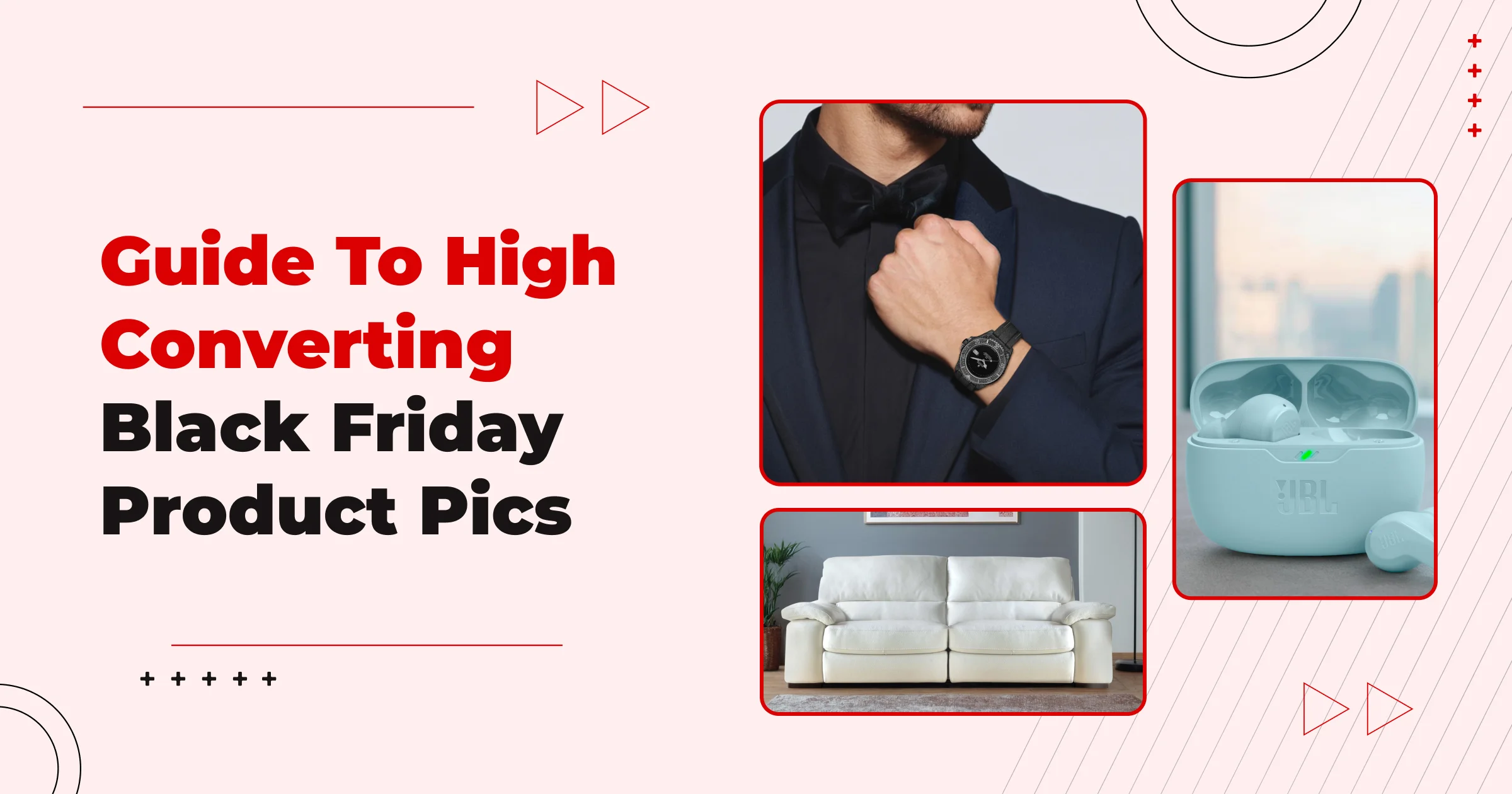
If you have not done this, it is high time you optimize the quality of all your product images. Use DoMyShoot to optimize your product images as per Shopify’s image requirements.


Banner image with CTA button

Related Blog

Learn more about AI content creation and AI workflows

FAQs

Still curious? Discover more Christmas prep tips for your Shopify store.

When should I start preparing my Shopify store for the Christmas sale?

You should ideally begin a few weeks ahead of the holiday season. Early prep gives you time to redesign for a festive look, set up bundles, test checkouts, and communicate your holiday discounts in advance.

What design changes should I make to give my store a festive, Christmas feel?

Consider adding holiday-themed visual elements: seasonal banners, Christmassy icons or animations, a splash of red/green, and Christmas imagery on your homepage. These small touches can deliver a much more engaging and emotionally resonant customer experience.

How can I use discounting strategically without hurting my profit margins?

Highlight your holiday discounts clearly through high‑quality product images and messaging. Use automated discounts or codes, but also think creatively: create bundles (gift sets) of complementary items, use tiered discounts (e.g., "10% off $50+"), or run limited-time flash sales.

How can I reduce cart abandonment during the Christmas rush?

Optimize your checkout to be as frictionless as possible — consider using a single page that displays payment, shipping, and review details. Also, allow guest checkout, provide multiple payment options, and use urgency triggers (like countdown timers) to encourage customers to finish their purchase.

What customer service strategies work best during a seasonal sale?

Use live chat or chatbots to answer questions quickly — holiday shoppers often have time-sensitive concerns (shipping deadlines, gift options, etc.). Also, proactively communicate holiday hours, shipping timelines, and return policies. Building a holiday “quick reply” knowledge base can save your support team time.

Your Data-Backed Mood board, Built in Seconds

Stop guessing. Start creating with visuals proven to perform in your category

ecommerce product photography

Turn insights into instantly usable creatives

Dresma’s AI-powered mood board generator scans top-performing visuals across Amazon, Instagram, and your competitors. It curates a board tailored to your brand, giving you instant creative direction rooted in data—not guesswork

Discover trending content styles driving engagement in your category

Mood boards are personalized to your brand identity and guidelines

Every idea is backed by performance data, so you design content that converts

From Data to Design with Dresma

Transform insights into visuals that actually perform