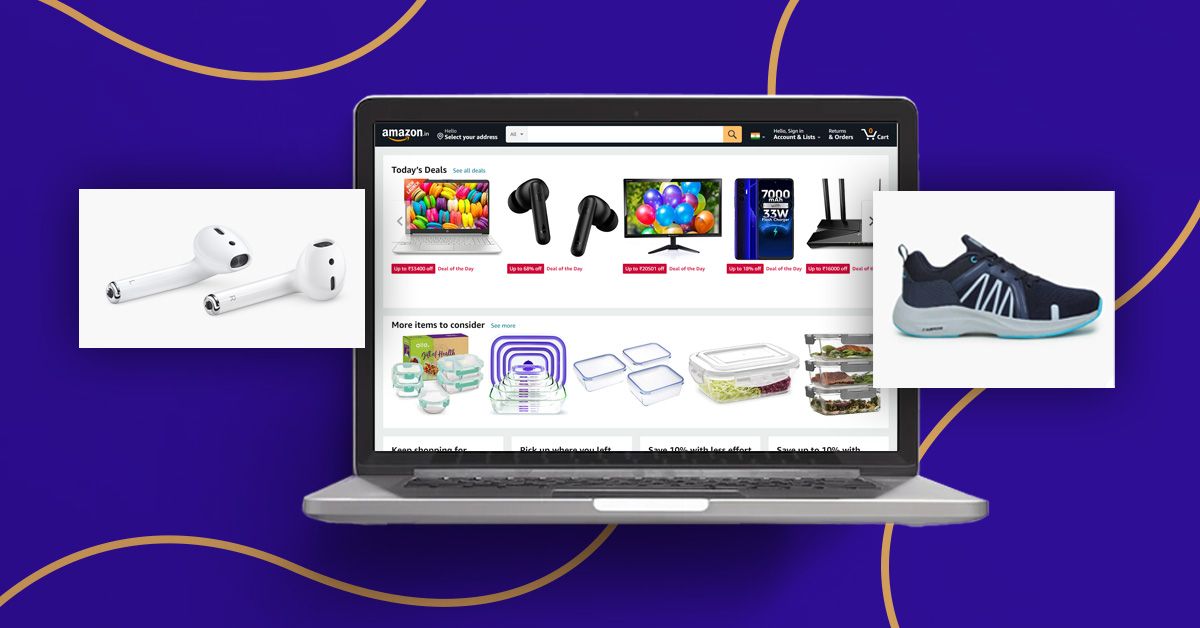
I often get interested in a t-shirt or jacket, seeing the hero image on Amazon, but upon clicking it, there is hardly any side-angle image or close-up shot.
Mostly, sellers think Amazon product photography is all about the main image, and it’ll be enough to convince their potential customers to buy their product.
Similarly, some items you might have noticed will have better quality secondary images, but the primary photo remains average.
Get this: if your product listing has such image flaws, every six in ten customers who shop on Amazon will likely not buy your product.
This is why I’ve prepared this guide to show you how to take good product photos based on Amazon product image requirements.
So the next time customers open your product page, they see top-notch images with consistent quality that show them the item in great detail.
Understanding Amazon Product Image Requirements
Amazon product image guidelines help you create photos of the correct dimensions, shot setup, and file format for uploading, so your product page gets approved and listed in top search results.
That said, I’ve compiled the five most important Amazon product photo requirements you must follow. If you’d like to learn from the official Amazon page, click here.
- Image pixel allowed minimum 1,000px ×1,000 px and maximum 1,600px for proper zoom in and zoom out
- Accepted file formats: JPEG, PNG, and TIFF
- Main image rule: only white background “RGB 255,255,255,” your product must occupy ≥85% of the frame
- No text, logos, watermarks, secondary props, or multiple items allowed in the hero image
- Name your Amazon images file as “ASIN or UPC” with no special characters or spaces
These guidelines are the bare minimum, meaning you can't afford to miss any one point while shooting product pictures, or else Amazon will reject your listing.
Types of Amazon Product Photos That Sell
Consider Amazon product image guidelines as a framework that gives you a direction on what types of images to shoot and what elements to add or exclude.
This enables you to provide customers with the best shopping experience through appropriate images, which is critical for long-term brand building.
So consider creating the following types of Amazon product photos.
- Hero image with white background
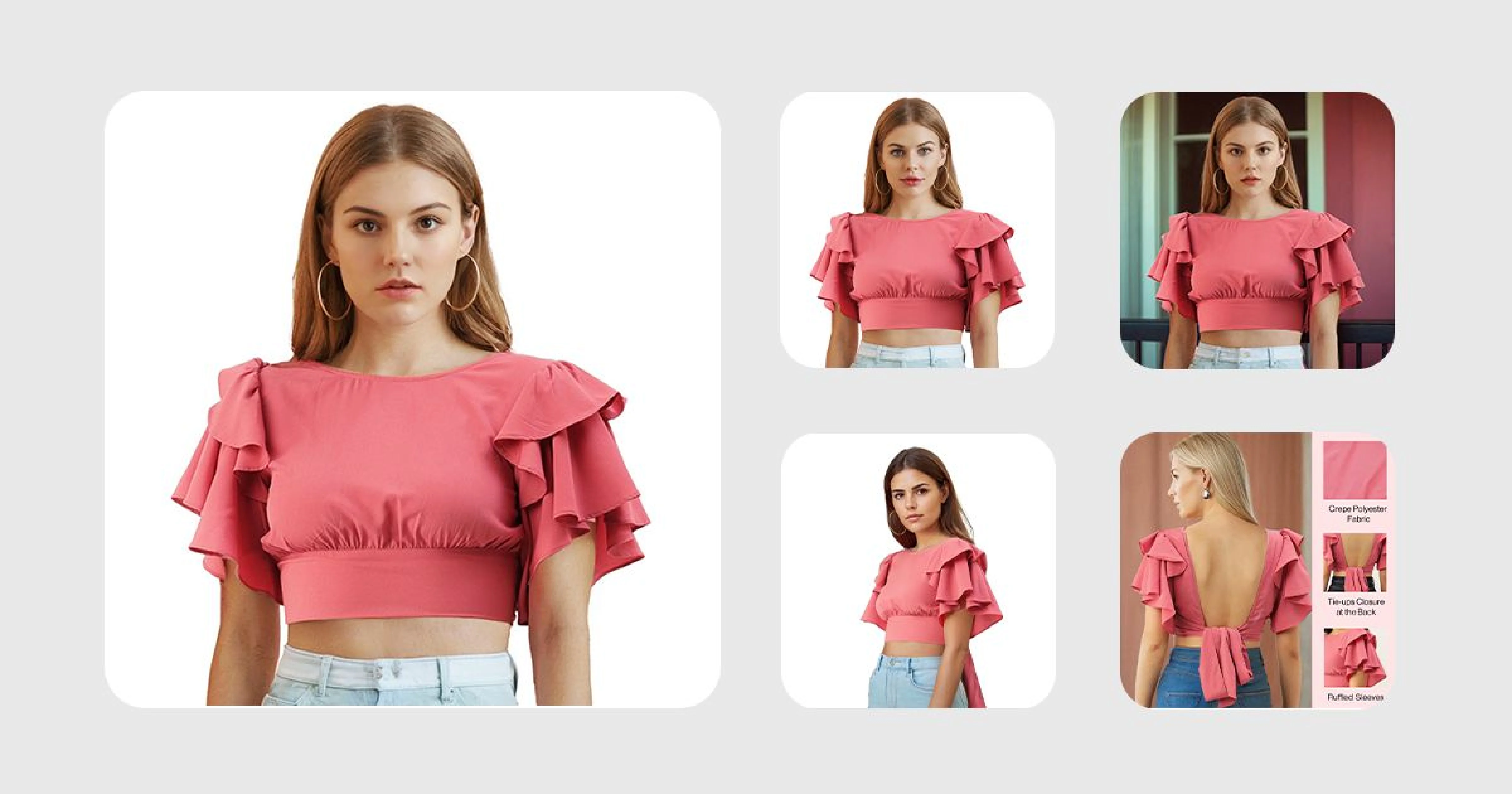
- Different angle shots, like front, back, side, detail, and also close-up shots
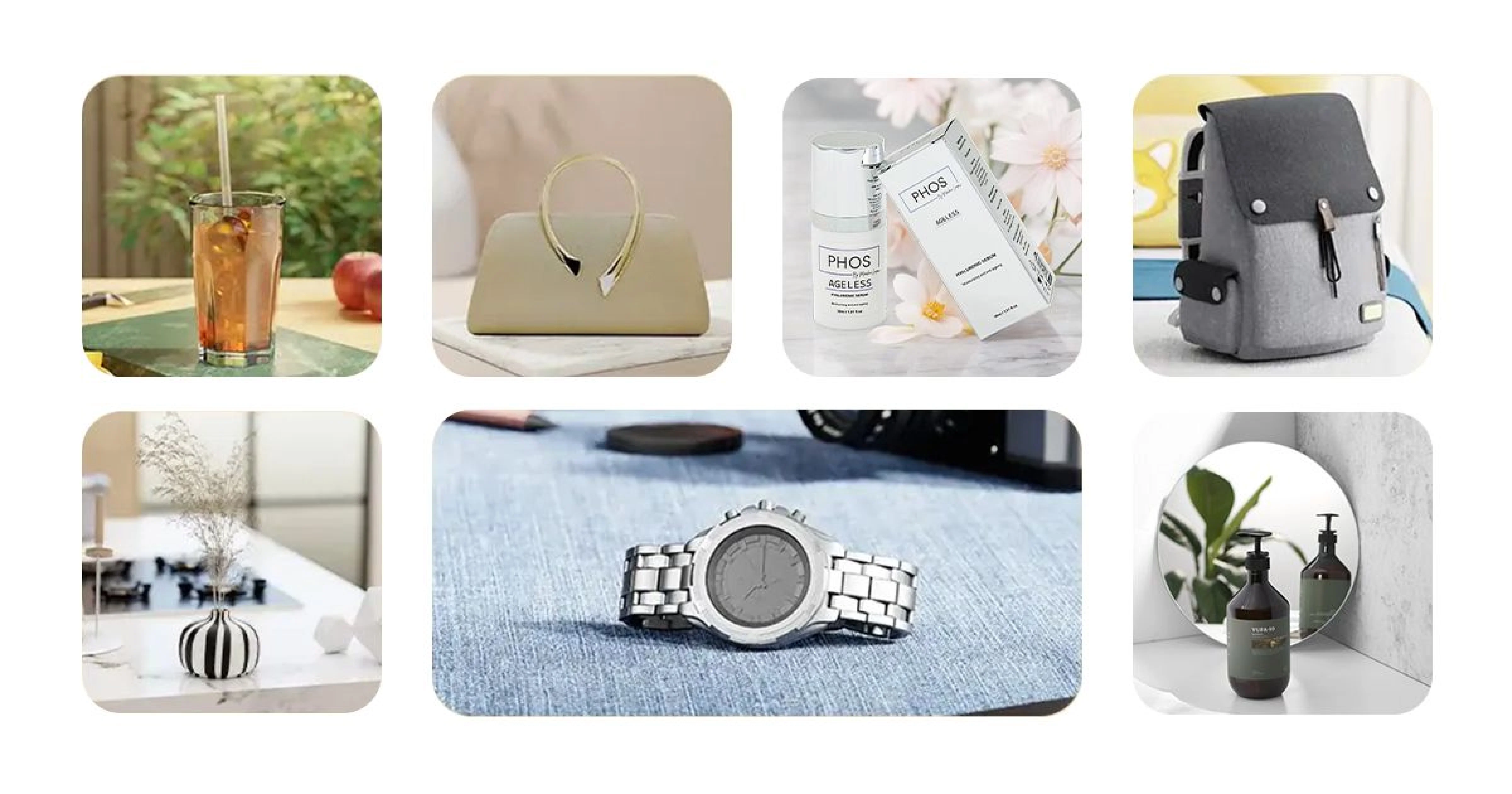
- Lifestyle picture of the product showing how it looks in the real world
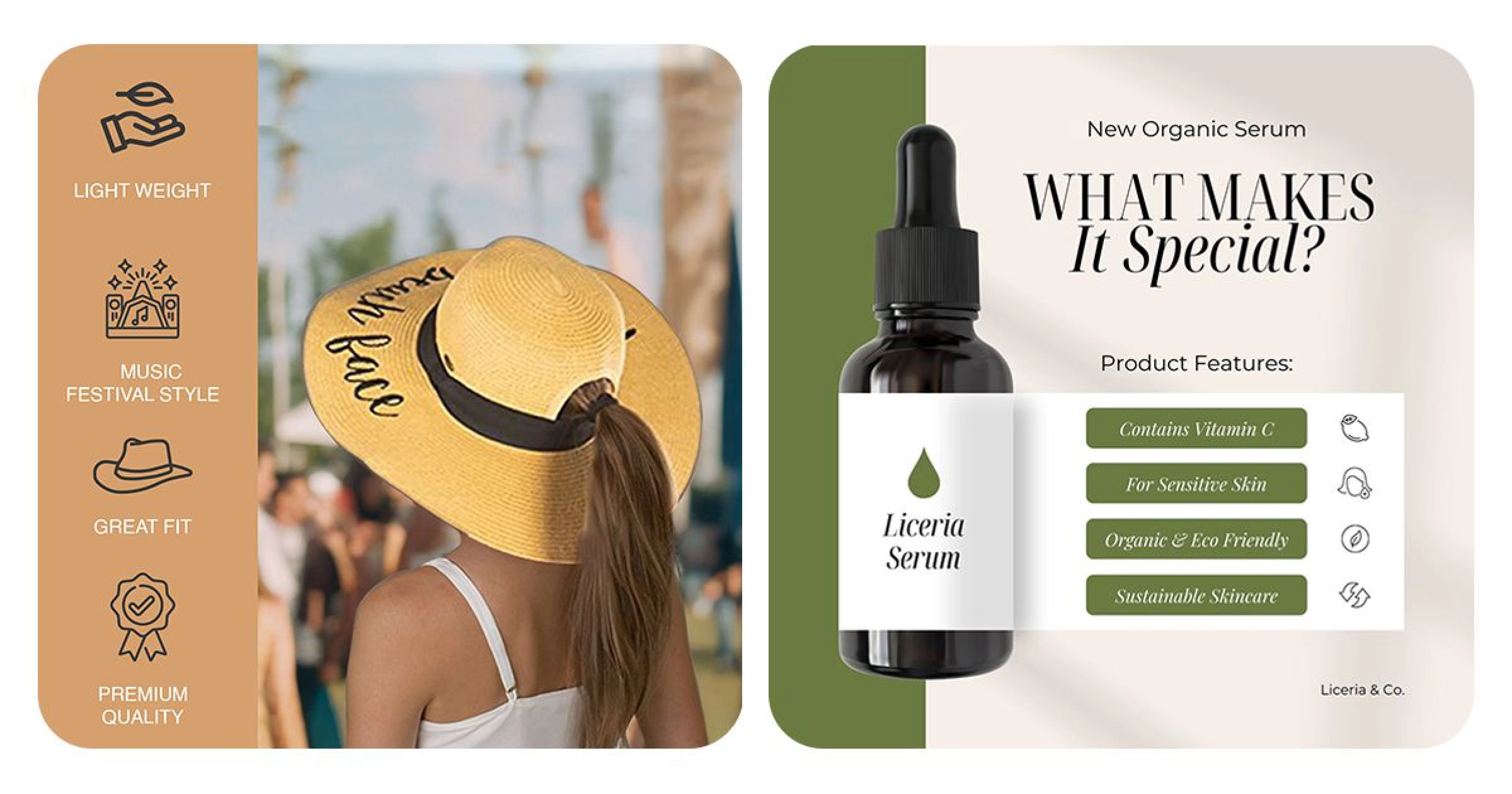
- Infographics such as feature highlights, sizing/measurements
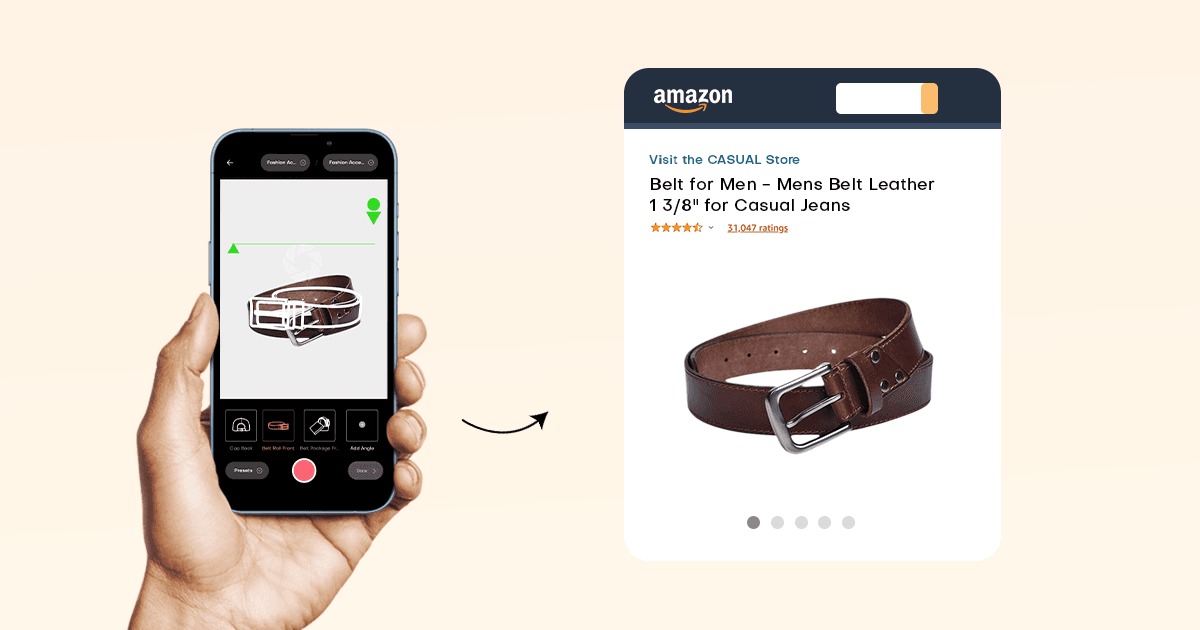
- 360° spin images that customers can rotate left, right, up, or down to see the item from all angles
Providing customers with various types of images helps them visualize the product better and makes them more confident to buy it.
Product On White
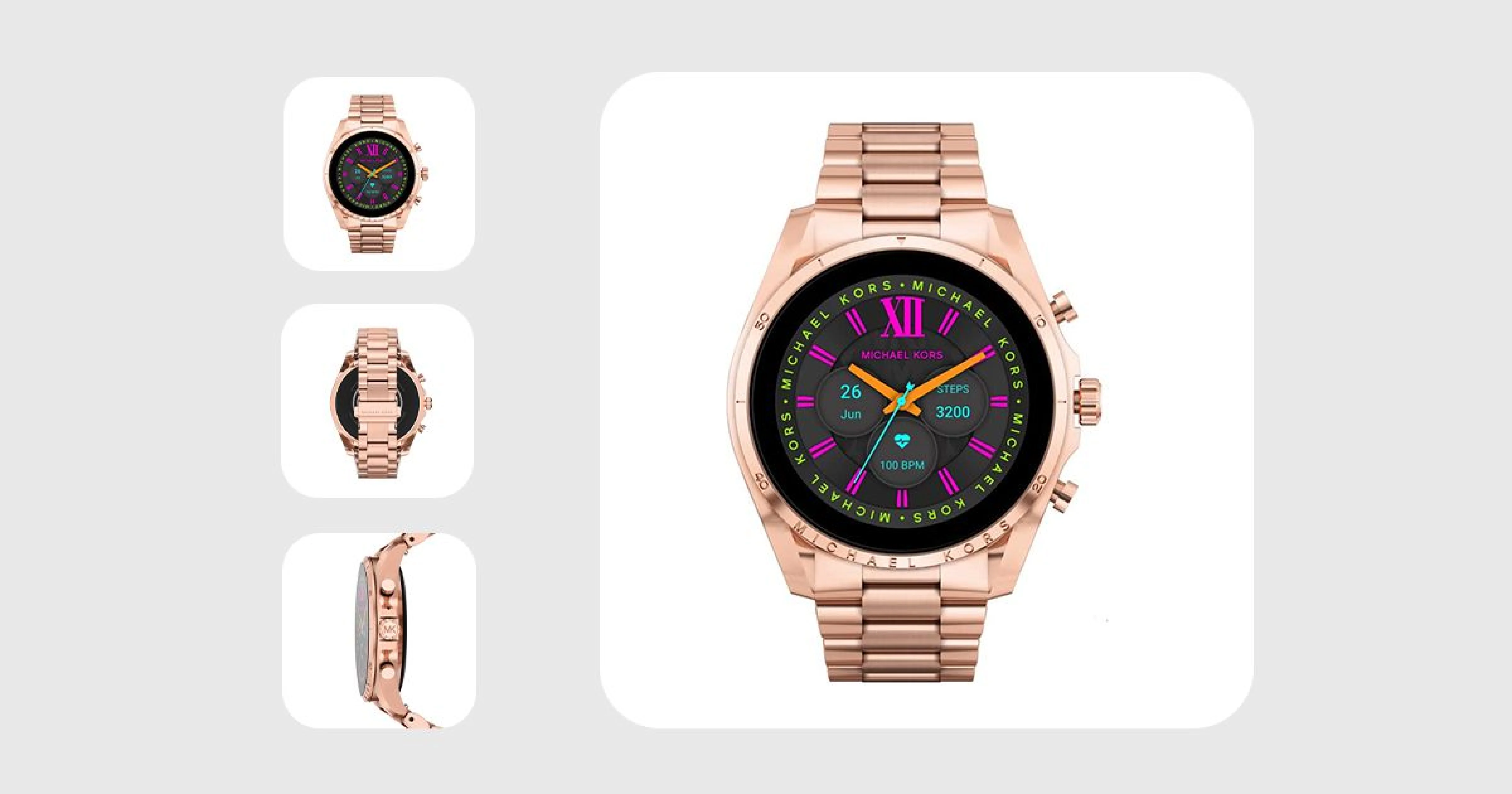
The mandatory main image with a pure white background that follows Amazon's strict guidelines. This clean presentation allows customers to see the product clearly without distractions.
Lifestyle Images
Photos showing your product in its intended environment or being used by models. These images help customers visualize the product in their own lives.
Amazon 360 Degrees
Interactive images that allow customers to rotate products and view them from all angles, particularly valuable for complex items with multiple sides or features.
Products in Action
Demonstration photos or videos showing functionality, which are especially important for gadgets, tools, or products with moving parts.

DIY vs Professional: How to Take Professional Product Photos?
If you feel confused about how to take good product photos and can’t decide whether to do Amazon product photography by yourself or hire a professional.
Lucky for you, the line between professional photographers and sellers like you who prefer DIV is getting blurred.
Thanks to AI tools such as DoMyShoot, this application turns you into a full-fledged photo studio.
Let me show you how to take professional product photos with just a smartphone and the DoMyShoot mobile app.
This way, you get the best of both worlds without feeling like you're missing out on “what if I hired a pro,” or “Forget paying big bucks, I’ll just click product images myself.”
First, use a DIY setup
- Use the smartphone’s back camera or a DSLR if you have one; if not, just rent one, it doesn’t cost much, and place it on a tripod.
- Use a white sheet or curtain as the background,
- Place your product in front of the background and focus three lights (two in front of the product at 45-degree angle with the camera positioned between them, and one right beside the product, also angled at 45)
Next use DoMyShoot
- Inside the app, you get all marketplaces as presets, including Amazon. Choose one, and now whatever images you shoot will automatically be compliant with the marketplace product image guidelines
- Once captured, review the image, make edits like removing background, improving colors, fixing texture issues like wrinkles or spots, and much more
- For apparel, the app helps you generate AI models that customers can’t tell if it's a real person
Have A Plan
Set the Proper Lighting
Getting the lighting right is perhaps the most crucial aspect of professional product photography. You have two main options:
Natural Light:
Best for:
- Lifestyle shots
- Products with subtle textures
- Creating a warm, authentic feel
When using natural light, shoot near large windows but avoid direct sunlight, which creates harsh shadows.
Artificial Light:
Best for:
- Consistent results
- Total control over shadows
- White background shots
A basic two-light setup (main light and fill light) can produce professional results even on a budget.
Higher Image Resolution is Better
Always use the highest quality camera available to you. While smartphone cameras have improved dramatically, a DSLR or mirrorless camera will generally produce superior results, especially for:
- Capturing fine details
- Maintaining quality when zoomed
- Controlling depth of field
- Low-light performance
Amazon recommends images with 1000px or larger dimensions (on the longest side) to enable zoom functionality, but bigger is better—aim for 2000px when possible.
Keep in Mind Your Product Size
Accurate size representation prevents customer disappointment. Include:
- Size reference objects in supplementary images
- Lifestyle shots showing scale in real-world settings
- Dimension callouts when appropriate
The angles you choose will significantly impact perception. Show multiple perspectives to give customers a complete understanding of your product.
Use a Tripod
Even slight camera shake can ruin otherwise perfect product photos. A stable tripod:
- Ensures sharp images
- Maintains consistent angles between shots
- Allows for longer exposures in lower light
- Keeps framing consistent for batch photography
Avoid Too Many Elements in the Frame
Keep your photos focused on what customers will actually receive. Cluttered images confuse shoppers and can lead to returns if decorative elements are mistaken for included items.
Best Practices for Product Photography on Amazon Marketplace
To truly excel with your Amazon product photography, consider these proven strategies:
Represent Your Product's Value
Focus on visually communicating benefits, not just features. Show how your product solves problems or improves life.
Tell Your Brand Story
Use lifestyle images to convey your brand's personality and values. These emotional connections build loyalty beyond individual products.
Build Trust in Your Product
Include detailed close-ups of quality materials, craftsmanship, and unique features that differentiate your product from competitors.
Encourage Sharing
Create visually striking images that customers might share on social media, extending your reach organically.
Showcase Product Information
Use infographics and comparison charts as supplementary images to highlight specifications, dimensions, and key selling points.
Conclusion
Amazon product photography doesn’t have to be complicated; you don’t need over-the-top images with dozens of effects and edits.
Think carefully about what images will justify your product's features/function, and use clean, minimal editing.
Keep in mind that the purpose of Amazon images is to help customers imagine the product in their minds.
So just stick to the Amazon product image guidelines when creating photos; that's enough to ensure your product page looks like one that will interest customers and convince them to make a purchase.