On Amazon, your images do most of the selling for you. Before a shopper reads your title or checks your price, they look at your photos. And in 2025, Amazon’s image standards are stricter than ever.
Listings with clean, compliant, high-quality visuals consistently see higher click-through rates, better conversions, and stronger rankings. In fact, sellers report revenue lifts of up to 20% simply by fixing image issues.
This guide breaks down Amazon image requirements for 2025 in plain English — from main image rules to image sizes, secondary images, and category-specific nuances. You’ll also learn how Dresma’s AI Mood Board Generator helps sellers create compliant, high-converting visuals by analyzing what already works across Amazon, Instagram, and top competitors.
Amazon Main Image Requirements (This Is Where Most Sellers Get It Wrong)
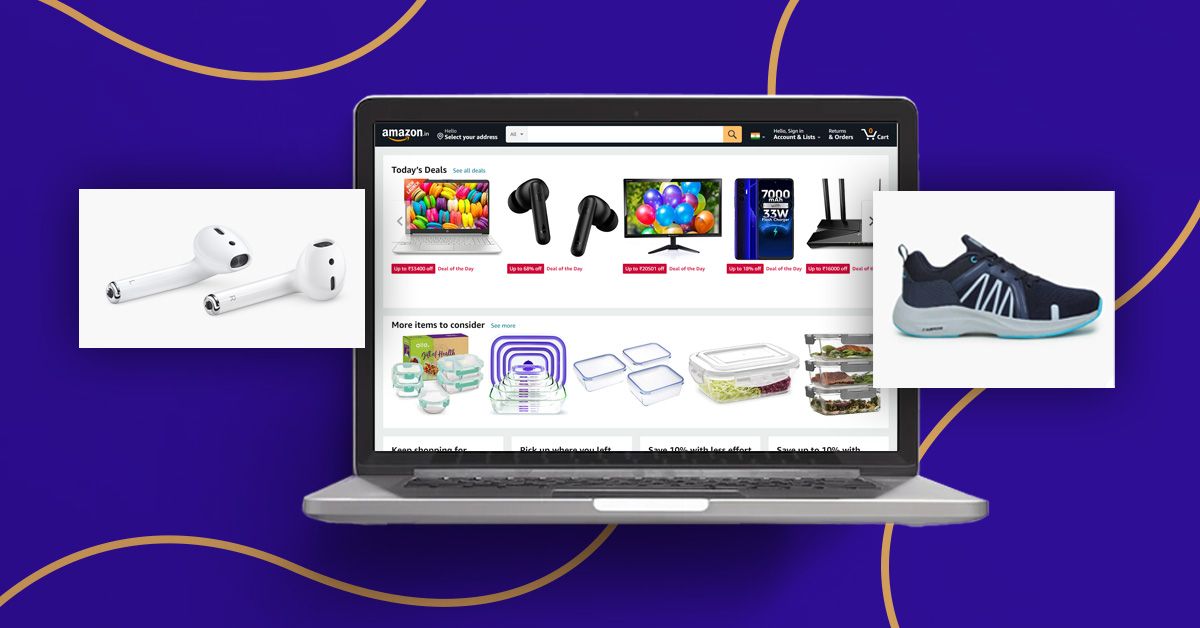
Your main image is the most important image on your listing. It’s what appears in search results, ads, and recommendations — and it must follow Amazon’s rules exactly.
Here’s what Amazon expects for main images in 2025:
- Pure white background — no shadows, gradients, or off-white tones
(RGB must be exactly 255, 255, 255) - Product fills at least 85% of the frame
- No text, logos, watermarks, badges, or props
- Only the product — no accessories unless they’re included in the sale
- True-to-life color, scale, and shape
Technically, Amazon also requires:
- JPEG (.jpg) format preferred (PNG allowed)
- Minimum 1000px on the longest side
- 1600px or larger recommended to enable zoom
- Sharp, well-lit images with no blur or pixelation
Main Image Quick Checklist
The main image quick checklist for Amazon includes these key requirements: use a pure white background at RGB 255,255,255. Position the product to occupy at least 85% of the image. Set the image size to a minimum of 1000 pixels, with 1600 pixels or more recommended. Maintain a square 1:1 or portrait 5:6 aspect ratio. Opt for JPEG file format, keeping it under 10 MB.
Pro tip:
Always shoot from a straight-on angle and preview your image inside Seller Central before publishing. Many rejections happen because sellers assume “close enough” is acceptable — it isn’t.
Secondary Images: Where You Can Actually Get Creative
Once your main image is approved, secondary images are where you win conversions.
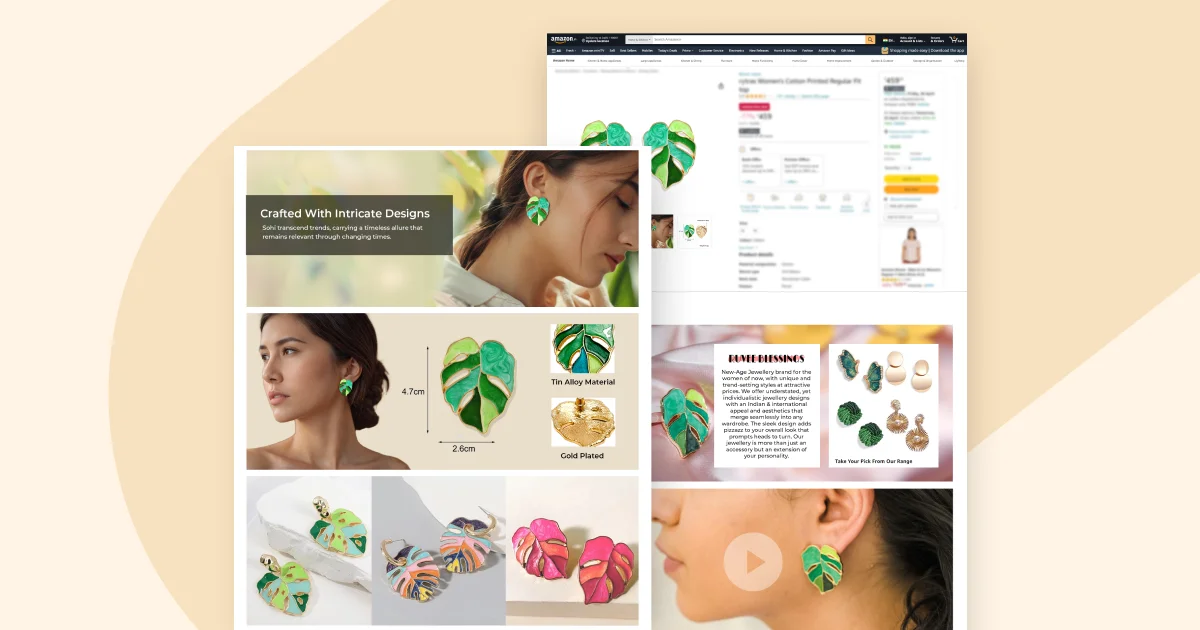
Amazon allows up to eight additional images, and these can include text, lifestyle shots, and design elements — as long as they’re accurate and not misleading.

Best Types of Secondary Images
1. Feature Close-Ups
Show texture, materials, stitching, buttons, or ports. High-resolution close-ups build trust and reduce buyer hesitation.
2. Infographics
Use simple icons and short text to highlight key benefits (e.g., “Waterproof,” “BPA-Free,” “2-Year Warranty”). Keep text readable on mobile screens.
3. Lifestyle Images
Show the product being used in real life. These images help shoppers imagine ownership and often drive the biggest conversion lift.
4. Scale & Angle Shots
Show size references (in-hand, on-body, next to everyday objects) and multiple angles so buyers know exactly what they’re getting.
5. Packaging & What’s Included
Reduce returns by clearly showing what arrives in the box.
Videos (up to 2 per listing) follow similar guidelines and are highly recommended if you have Brand Registry.
What’s still not allowed:
No nudity, no exaggerated claims (“Best Seller”), no competitor references, and no misleading edits. Amazon’s automated systems catch these fast — and suppression follows.
Amazon Product Image Size Requirements (Full Reference)
Here’s a simple breakdown of image specs you should follow for every listing in 2025:
Image size must be at least 1000 pixels, with 1600 pixels or more recommended, to enable zoom functionality and avoid rejection.
Keep file size under 10 MB to prevent upload issues.
Use sRGB color mode only, ensuring correct color display across devices.
Maintain an aspect ratio of 1:1 or 5:6 to fit Amazon’s image carousel properly.
Optionally name files as ASIN.jpg, which helps with bulk uploads.

Category Notes (Often Overlooked)
- Apparel: Models allowed (adults only); kids apparel often requires flat lays
- Footwear: 45-degree angle preferred
- Grocery & Supplements: Labels must be clearly readable
These small details can make the difference between approval and repeated rejections.
Create Compliant Images Faster with Dresma AI Mood Boards
Following Amazon image rules is one thing. Creating images that convert is another.
Dresma’s AI Mood Board Generator bridges that gap by analyzing:
- Top-performing Amazon listings
- High-engagement Instagram visuals
- Your direct competitors’ creative patterns
You enter your product category and brand style, and Dresma generates ready-to-use, Amazon-compliant mood boards that show exactly what kinds of images work right now.
Why Sellers Use Dresma
- Spot winning visual trends in your niche
- Stay compliant with Amazon’s image guidelines
- Create brand-consistent visuals without guesswork
- Launch listings faster with fewer reshoots
Instead of guessing what kind of images might work, you build visuals based on real performance data.
Common Amazon Image Mistakes (and How to Avoid Them)
Even experienced sellers make these errors:
- Background isn’t truly white
- Images are too small to enable zoom
- Text added to the main image
- Images look fine on desktop but fail on mobile
- Over-editing that misrepresents the product
Quick fix: Always preview images at full size and on mobile before publishing.
Final Thoughts: Get Your Images Right, and Everything Else Gets Easier
In 2025, mastering Amazon image requirements isn’t optional — it’s foundational. Clean, compliant, high-quality visuals increase trust, improve rankings, and drive more sales.
Pair solid technical compliance with smart, data-backed creative direction using Dresma’s AI Mood Board Generator, and you’ll spend less time fixing rejections and more time growing your business.
Optimize your images. Launch faster. Convert better.