Many of you, as sellers, might argue that the best, most-popular approach to improving Shopify product photography is to use professional equipment and a perfect lighting setup.

But hey, if your selling rate is still not taking a hike, there must be something that you are missing. Here are the top 5 tips to improve your Shopify product photography that no one is telling you about -

1. Reduce the image size

The size of the product image affects SEO rankings? Yes! Keeping the product image size to <70 kilobytes improves loading speed, so, your customers are less likely to abandon your page - which means high engagement, higher Google ranking, and, thus, high SEO performance. It couldn’t get simpler!

2. Keep it natural

Natural is underrated. In trying to create the perfect shot, we often tend to overdo it. So, make sure that the colors in your product image look natural and that the white balance is adjusted. You don’t want to overpromise and underdeliver your valuable customers.

3. Focus on your product

We mean it, literally! Use effects like a vignette or blur other items in the frame so that your customer only focuses on your product.

4. Lifestyle photography

Your customers often don’t know what to do with your product so they don’t buy it. So, don’t let them assume. Tell your customers where to use your product and see your engagement skyrocket!

5. Don’t shy away from quality investments

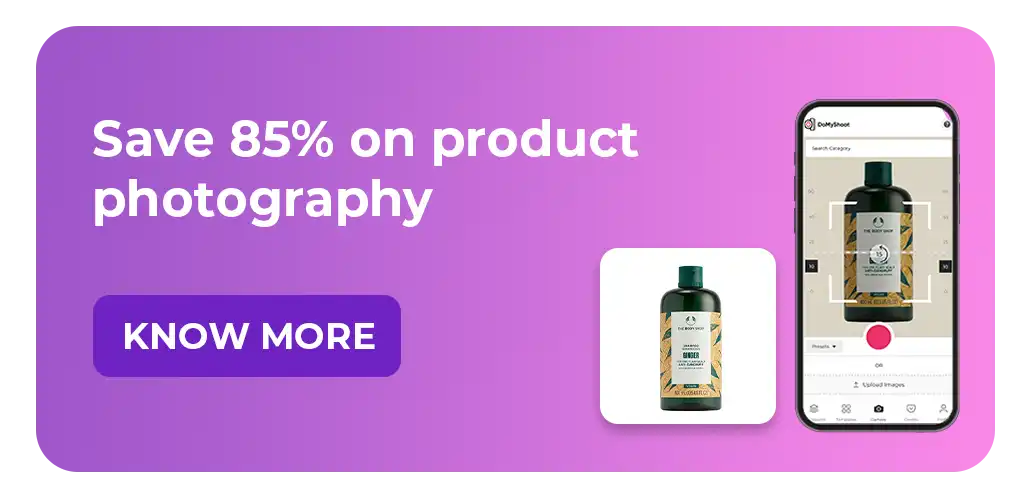
We are talking about the mandates like a high-resolution camera to capture the essence of your products. Tight on budget? You can try our mobile app, DoMyShoot, to create high-quality eCommerce-compliant product images.
dresma ai for product photos

Related Blog

Learn more about AI content creation and AI workflows

FAQs

Want more? Discover ways to upgrade your Shopify photography.

Why is image size important for Shopify product photography?

Image size impacts page loading speed. When product images are large (file-wise), they can slow down your store. Slower loading times may lead visitors to bounce before seeing your product — and that hurts both engagement and SEO. By keeping image sizes small (e.g., under ~70 KB), you ensure faster load times, which improves user experience and can boost Google rankings.

How can I make my product photos look more natural?

To achieve natural-looking product shots, balance the white in your photos so the colors are true to life (avoid over-saturation). Use soft lighting (natural light or diffused artificial lighting) to avoid harsh shadows. Avoid over-editing: subtle retouching is better than dramatic filters, especially for e‑commerce, because you don’t want to mislead customers.

What are some ways to focus attention on the product in an image?

You can use photographic techniques like a shallow depth of field (blur the background), or post-editing effects (like a vignette) to subtly darken the edges. This draws the viewer’s eye to the product. Also, make sure the product takes up enough of the frame so that it’s the visual centerpiece — not lost among props or background elements.

How does lifestyle photography help increase conversions on Shopify?

Lifestyle photography shows your product in a real‑world context (e.g., being used). This helps potential buyers imagine how and where they might use the product, which can remove guesswork and hesitation. When customers see the product “in action,” it builds trust and increases the chances they’ll buy — because they better understand its use-case and value.

Do I need to invest in professional gear to improve my Shopify photos?

Not necessarily. While high-resolution cameras and professional lighting help, you can still make great product photos with a smartphone + good lighting + careful editing. But, investing in quality does pay off over time: better visuals can lead to higher conversion rates. If you're on a budget, consider using a specialized mobile app (like DoMyShoot) to help you produce e‑commerce–compliant, high-quality images without buying expensive equipment.

Your Data-Backed Mood board, Built in Seconds

Stop guessing. Start creating with visuals proven to perform in your category

ecommerce product photography

Turn insights into instantly usable creatives

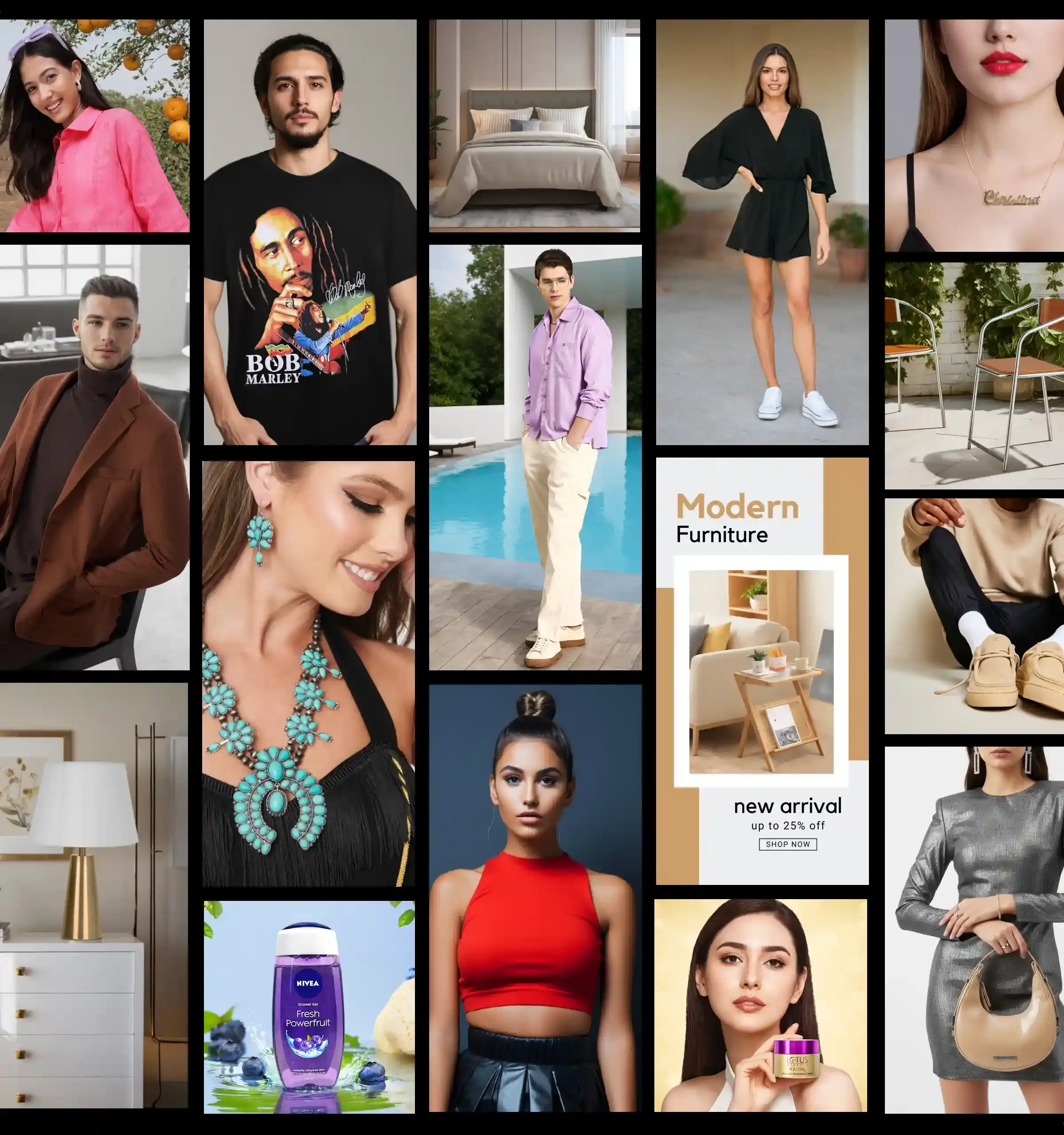
Dresma’s AI-powered mood board generator scans top-performing visuals across Amazon, Instagram, and your competitors. It curates a board tailored to your brand, giving you instant creative direction rooted in data—not guesswork

Discover trending content styles driving engagement in your category

Mood boards are personalized to your brand identity and guidelines

Every idea is backed by performance data, so you design content that converts

From Data to Design with Dresma

Transform insights into visuals that actually perform